Power in a small space
Professional mini PCs
Compact configurations for workstations, applications and installations where space is limited.
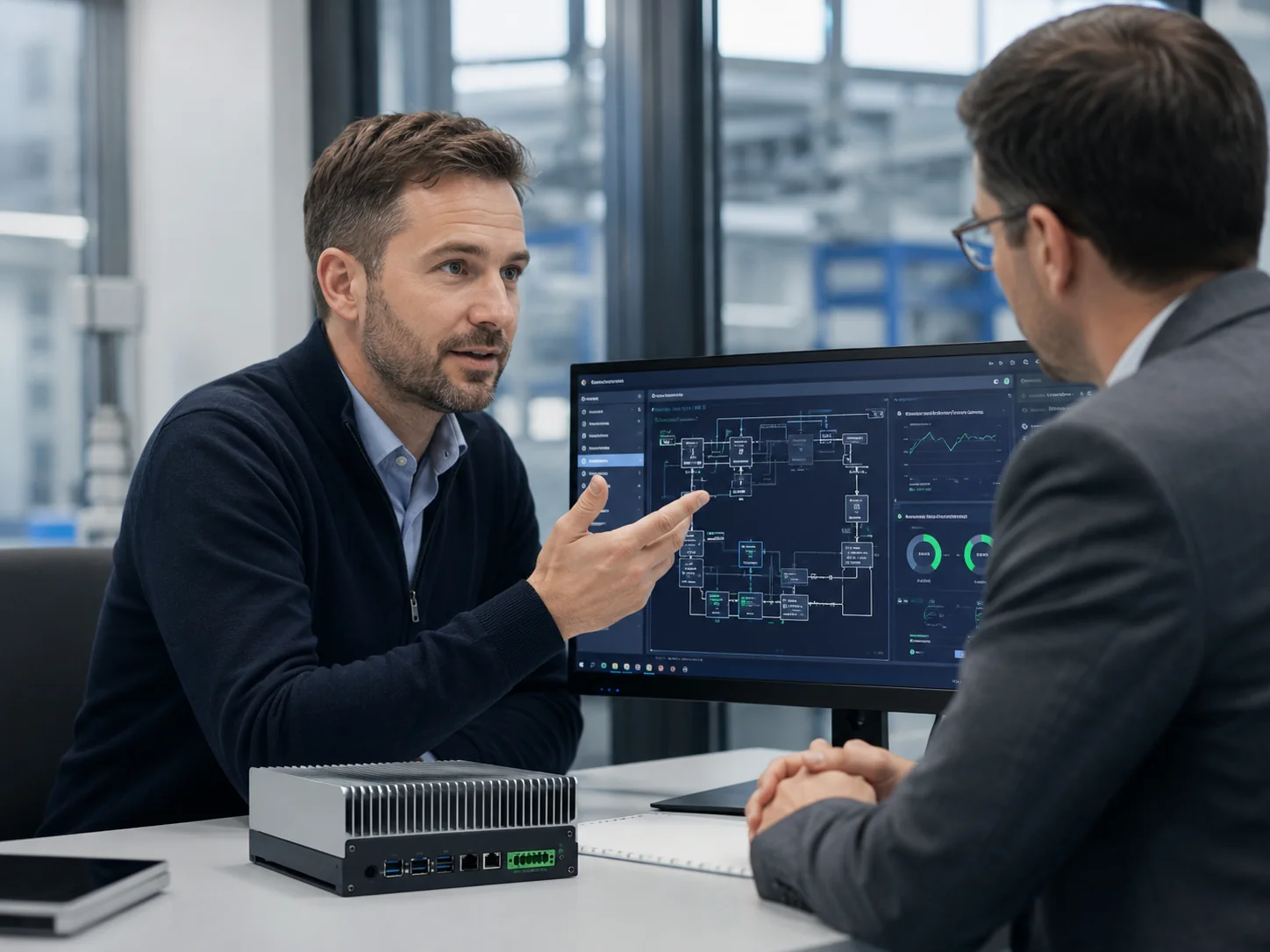
The solution
Application first. Configuration second.
The task determines which compact platform we choose. Processor, memory, storage and connections are sized for the application and the peripherals you need to integrate.
A meeting room, an engineering office and a display system need different configurations. The small form factor is the starting point, and workload determines the rest.
Discuss this solutionTechnical features
The decisions we make together.
These are the parameters we use to design the system. Actual values, options and compatibility are confirmed in the technical proposal for the selected system.
| Parameter | What we assess | What we need to know |
|---|---|---|
| Application | Platform sized for the intended applications | Software, concurrent tasks and graphics workload. |
| RAM and storage | Capacity defined by workload | Memory required by the applications and data to be retained. |
| Display | Number of screens and video outputs depending on platform | Resolutions, connections and content to be displayed. |
| Connectivity | Wired and wireless connections depending on configuration | Peripherals, available network and company policies. |
| Installation | System placement and mounting | Ventilation, connection access and power supply. |
Applications
From requirements to everyday use.
- Professional computing
- Digital signage
- Meeting rooms
- Kiosks and services


Find your way
Frequently asked questions
Is a mini PC always an industrial PC?
No. Size alone does not determine environmental durability. Where the system works on the shop floor or in a cabinet, check its temperature range, power supply and construction.